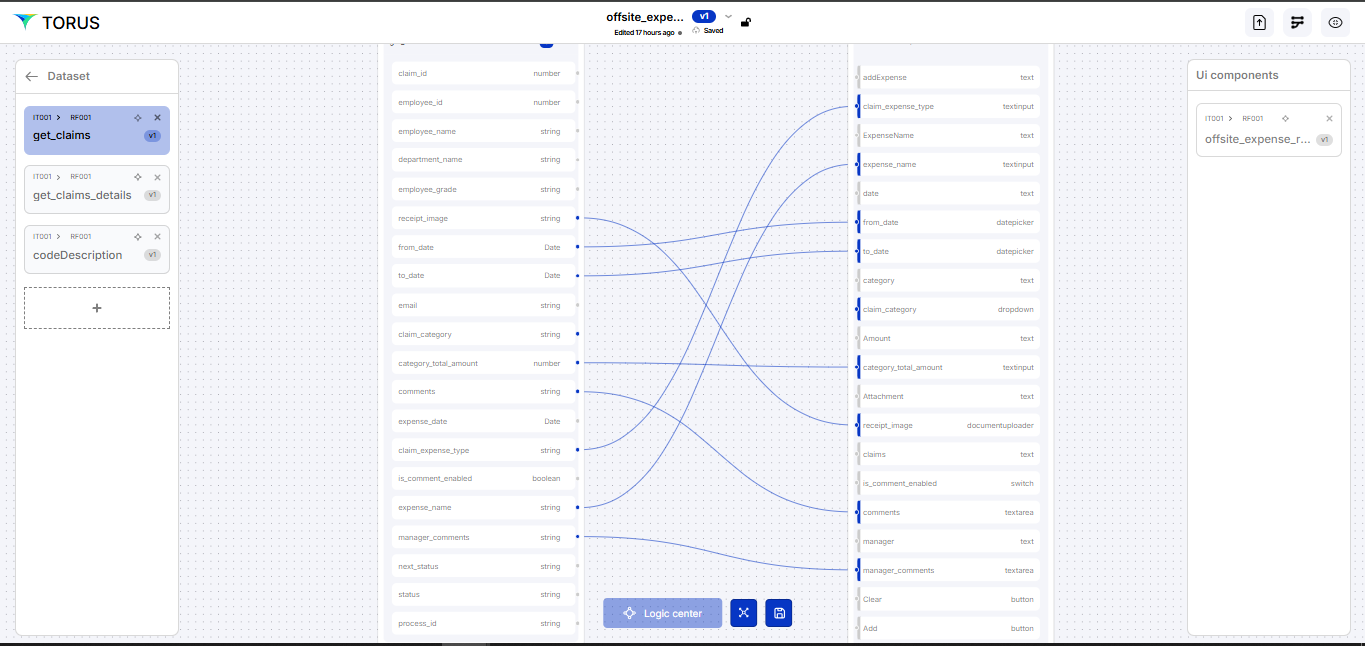
Get Claims Details
Get Claims details artifact is designed to retrieve detailed information directly from the Claimsdetails database in API format, enabling seamless access to structured claim data for further processing or display.
note
Always click Save after making any changes to your artifact to ensure updates are stored successfully.
Create an Artifact (Data Set)
Follow the steps below to create a new artifact
- Navigate to the Dashboard → Data Fabric
- Open the Artifact section by clicking the "Artifact" tab in the navigation bar.
- Navigate to the application path: My Artifacts → Global-App-Group → reimbfast-app
- Click the (+) button at the bottom-left to create a new artifact.
- Enter a unique name for the artifact (e.g., getClaimsDetails).
- Click Create Artifact to confirm.
- Click Save to save the artifact and close the window.
Node Gallery
- The Node Gallery provides key building blocks for data processing pipelines. Each node type serves a specific function:
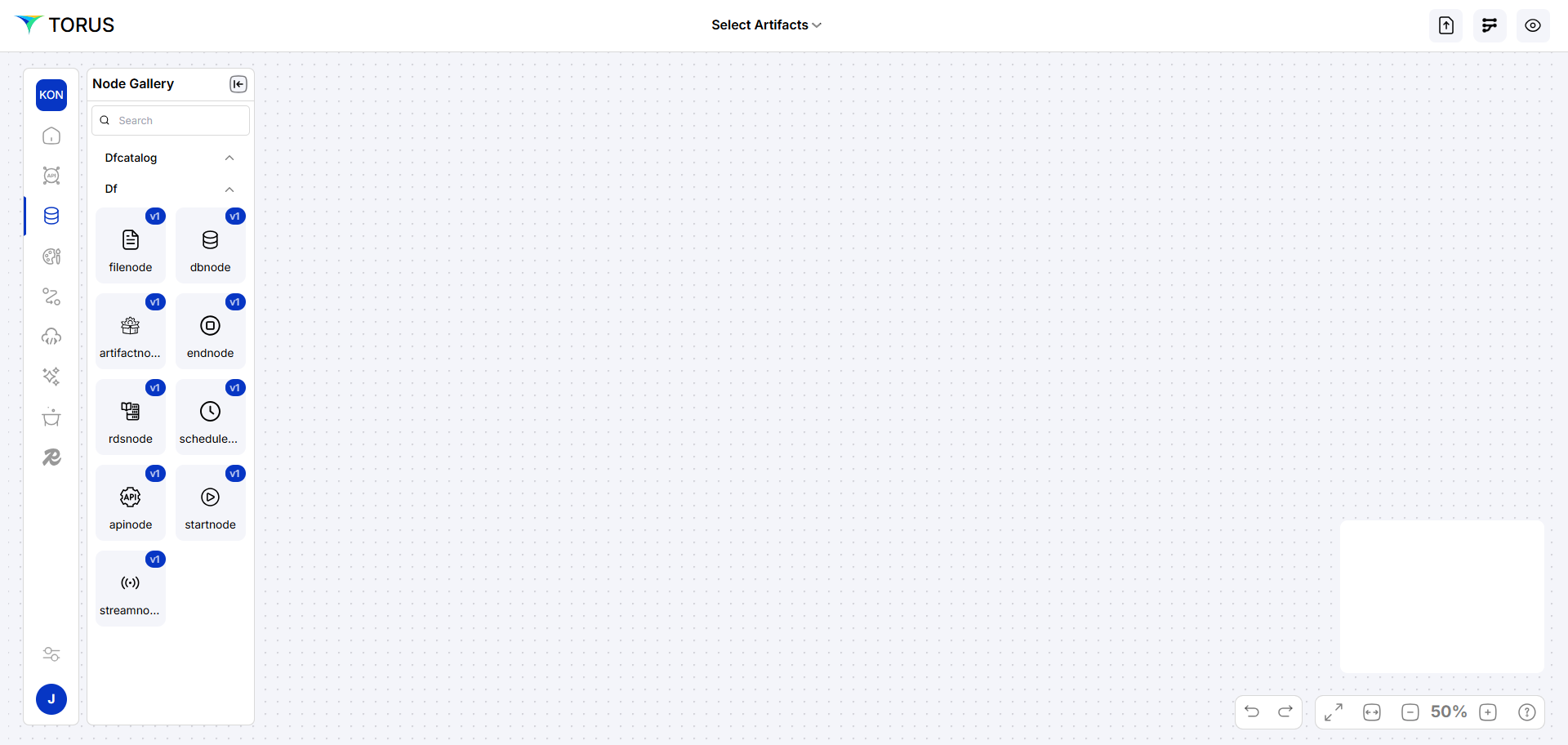
| Node | Description |
|---|---|
| start node | Marks the beginning of a workflow. |
| endnode | Processes real-time data from sources like Kafka. |
| apinode | Manages data interactions with APIs. |
Build Data Flow Diagram
- Use Node Gallery to drag nodes:
- startnode, endnode
- apinode (for API data)
- Arrange nodes and connect them.
- Right-click API node to configure properties
info
-
API endpoint this syntax is
https://<baseurl>/api-int/<table name>- Example
https://tga.gsstvl.com/api-int/claims_detail
- Example
We will configure this endpoint in API Fabric Edit node property.
Orchestration
-
For each artifact, orchestrate data sources and processing flows.
-
Use Logic Center to set:
- Security (policies, templates)
- Events (success, error handling)
- Actions (locking, TTL, pagination)