Process Fabric
The Process Fabric in Torus automates workflows based on UF events, triggering actions as per the defined Process Flow Diagram (PFD).
Create a New Artifact
To create a workflow using Process Fabric:
- Navigate to Dashboard → Process Fabric.
- Select My Artifacts → Global-App-Group → reimbursement-app.
- Click the (+) button to create an artifact.
- Enter the Artifact Name and click Create Artifact.
- Click Save to finalize.
The artifact acts as the foundation for makes UI design.
Design the Process Flow Diagram (PFD)
- Drag nodes from the Node Gallery to the workspace.
- Connect them logically to define the workflow.
- Configure properties by right-clicking on any node.
Node Gallery
The Node Gallery provides different nodes for process design:
| Node Type | Description |
|---|---|
| Start Node | Entry point of the process workflow (Default). |
| Decision Node | Evaluates conditions and routes the process accordingly. |
| Scheduler Node | Triggers scheduled tasks at predefined intervals. |
| Human Task Node | Assigns tasks requiring manual approval or action. |
| API Node | Fetches data from an API endpoint. |
| Automation Node | Executes automated tasks such as sending emails. |
| End Node | Terminates the process workflow. |
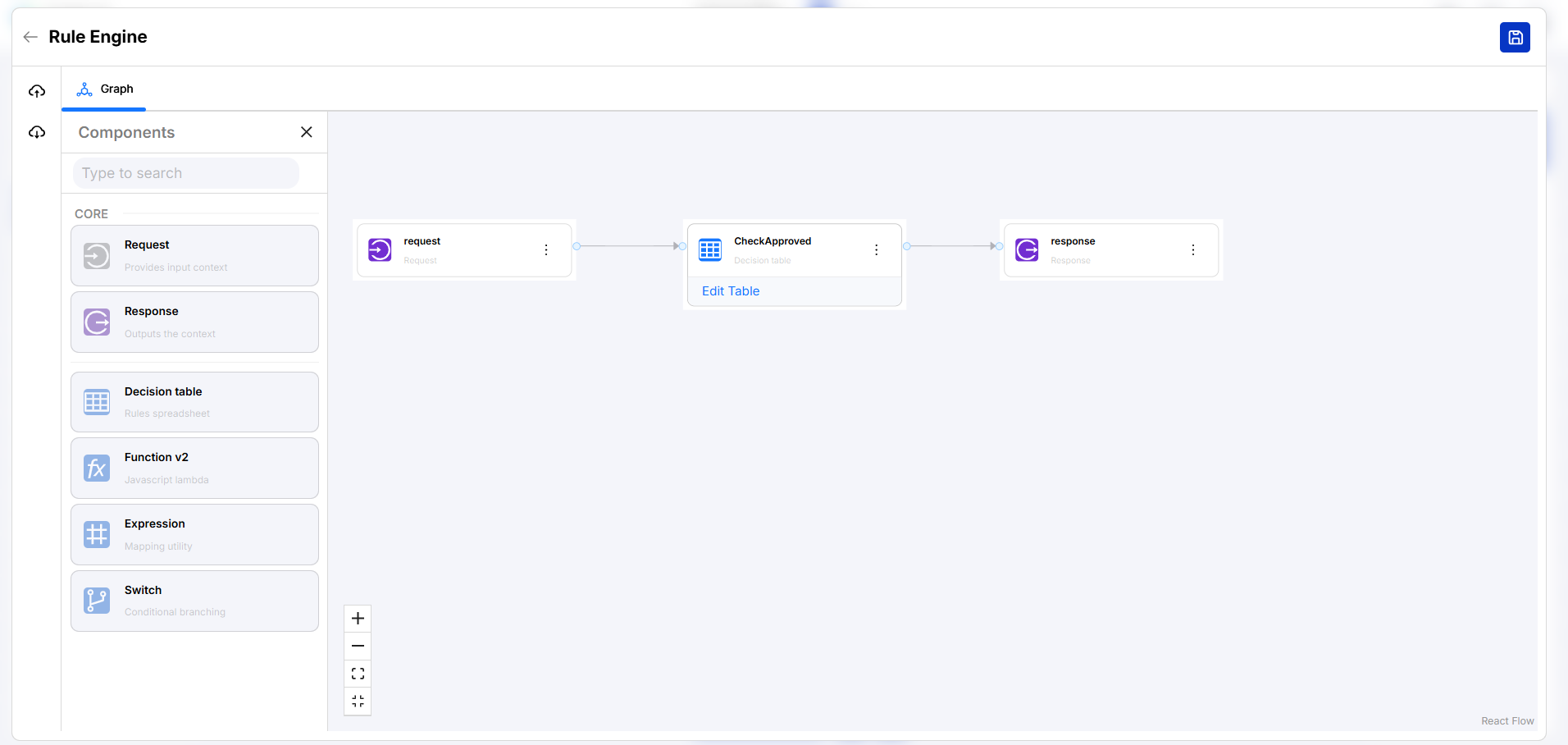
Use the Decision Node to apply business logic (e.g., approval rules) before progressing.
Sample Process Flow Diagram
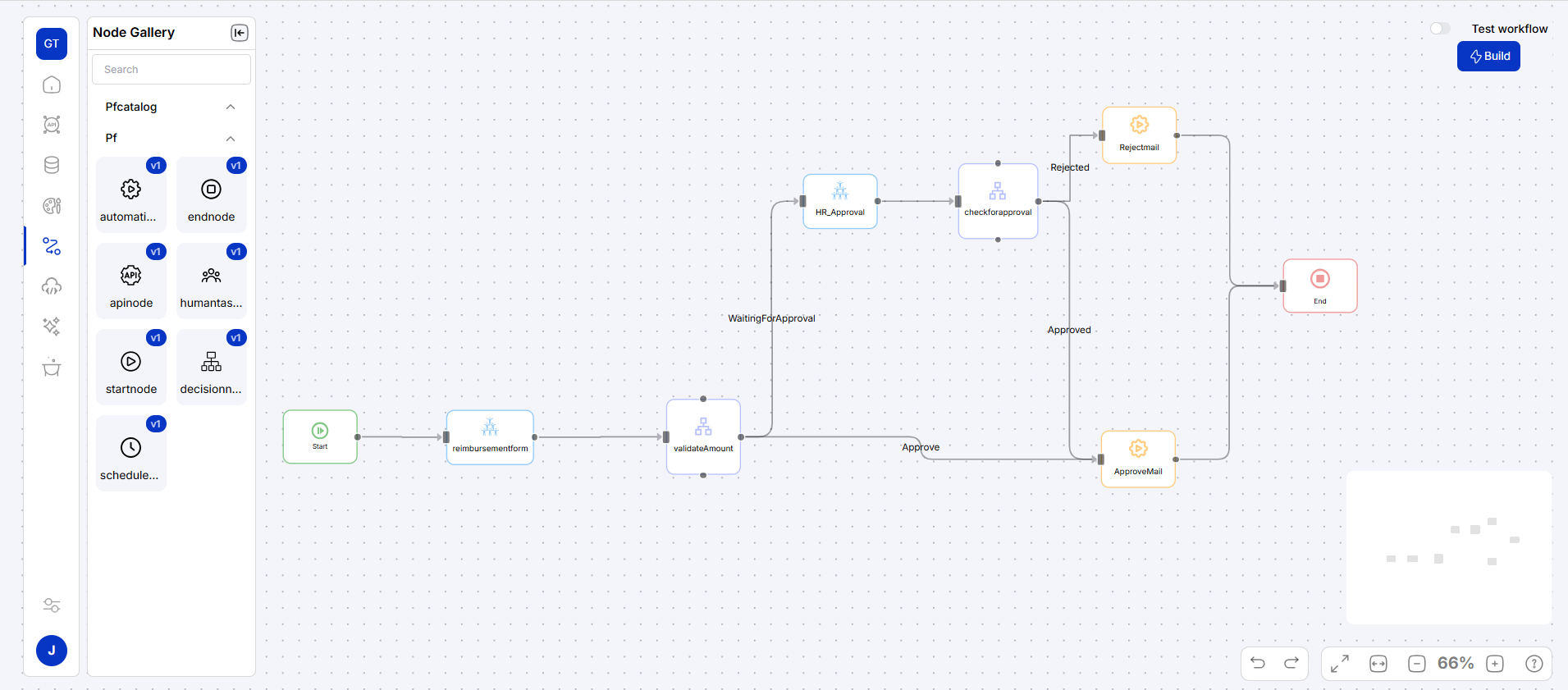
The diagram below illustrates a reimbursement approval workflow:
Workflow Use Case
- A user submits a UF reimbursement form.
- If the claim amount > 1000, it is sent for Manager approval.
- If approved, a confirmation email is sent, and status is updated.
- If rejected, a rejection email is sent to the user.
Orchestration
In Torus Orchestration, events from UI forms (sources) are captured and mapped to nodes (targets) within the Process Flow Diagram (PFD). This enables workflow automation based on real-time user interactions.
Use rules to automate decision-making and optimize workflow execution.
Logic center
The Logic Center allows configuring rules, actions, and security.